 Family IPTV Player
The IPTV player your whole family can use safely
Profiles for everyone, a kids mode with daily screen-time limits, PIN-locked categories, a full TV guide and today's big live matches — on your TV, your box and your phone.
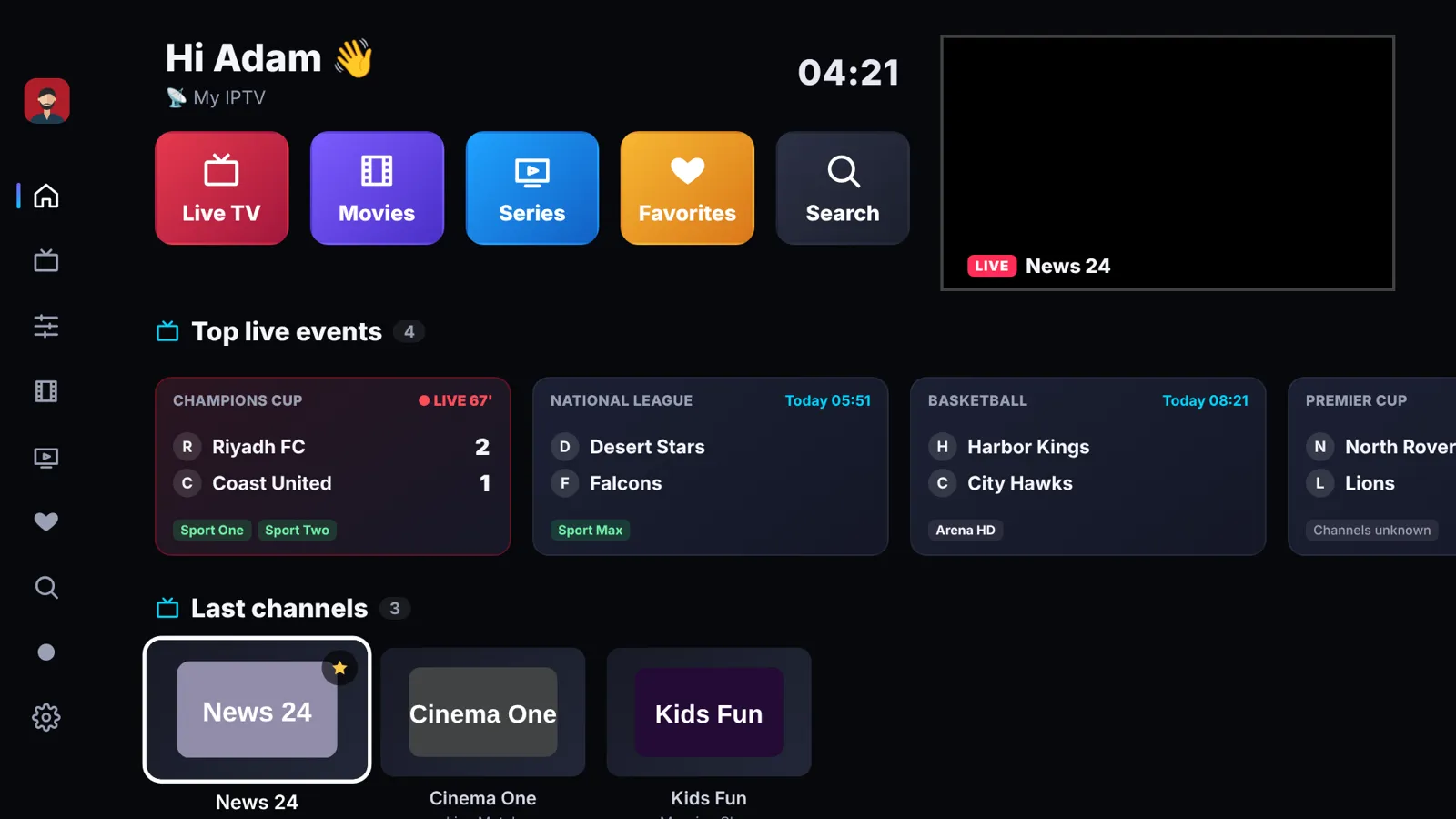
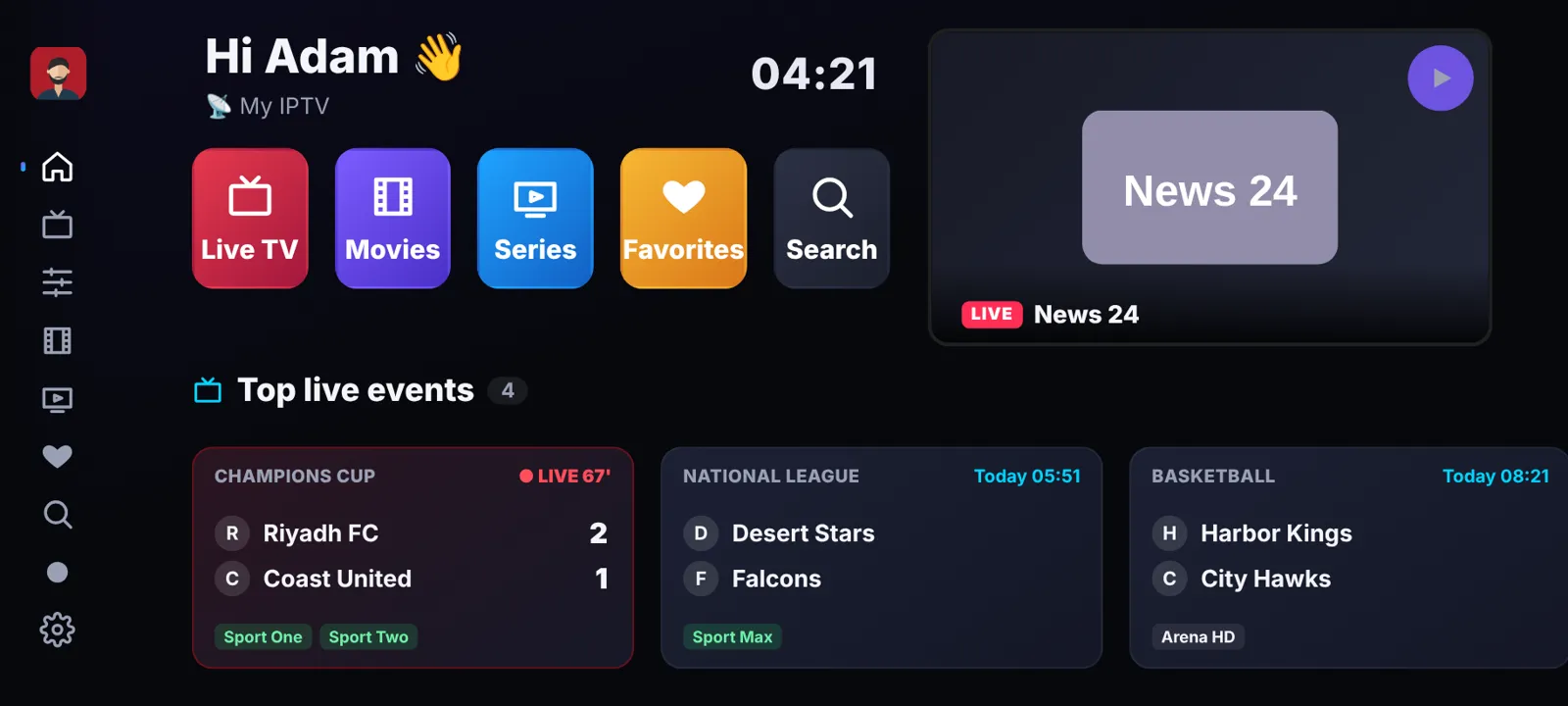
Made for the living room
Fast on old TVs, easy with a remote, and just as easy with a finger on a phone.
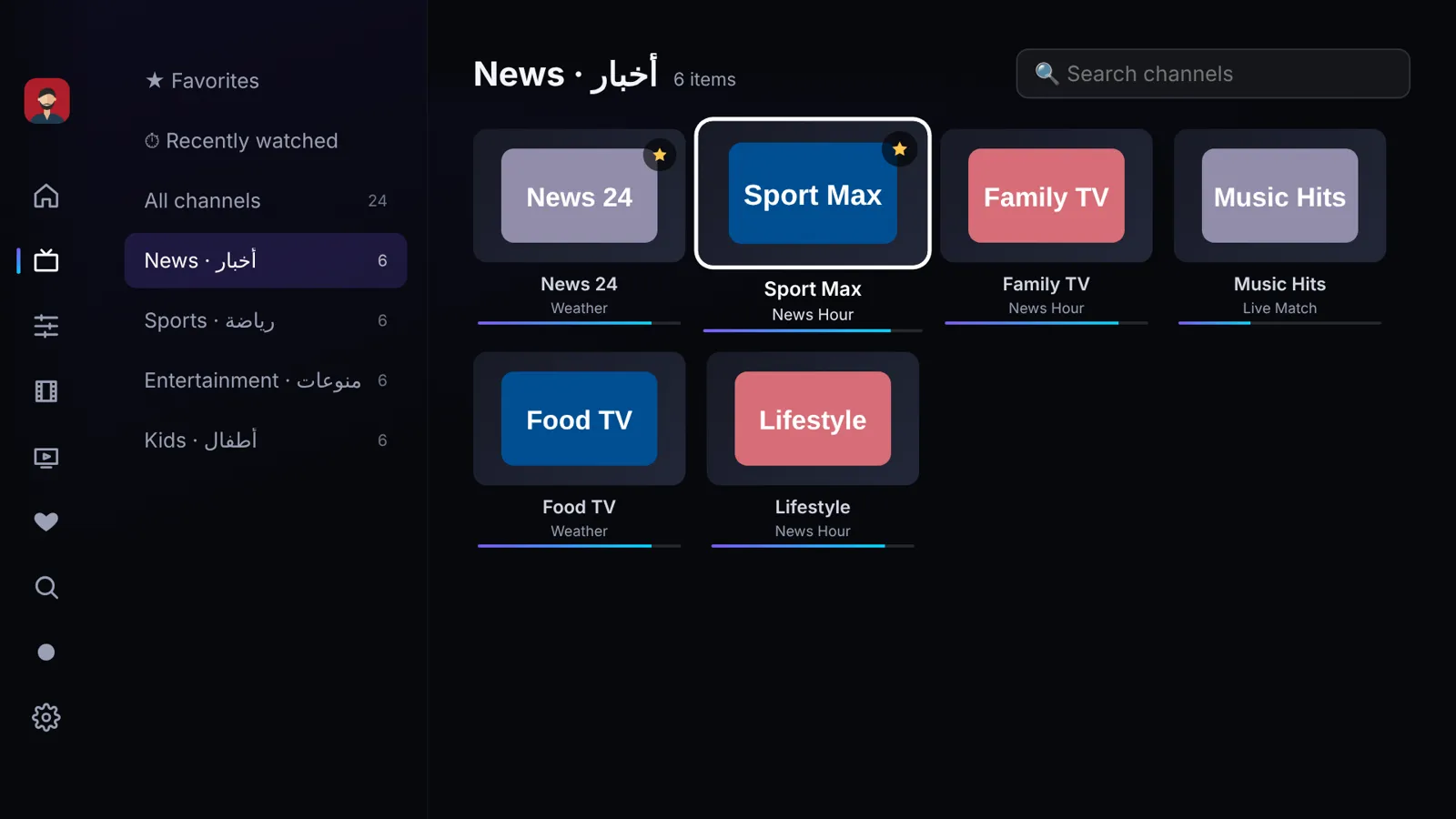
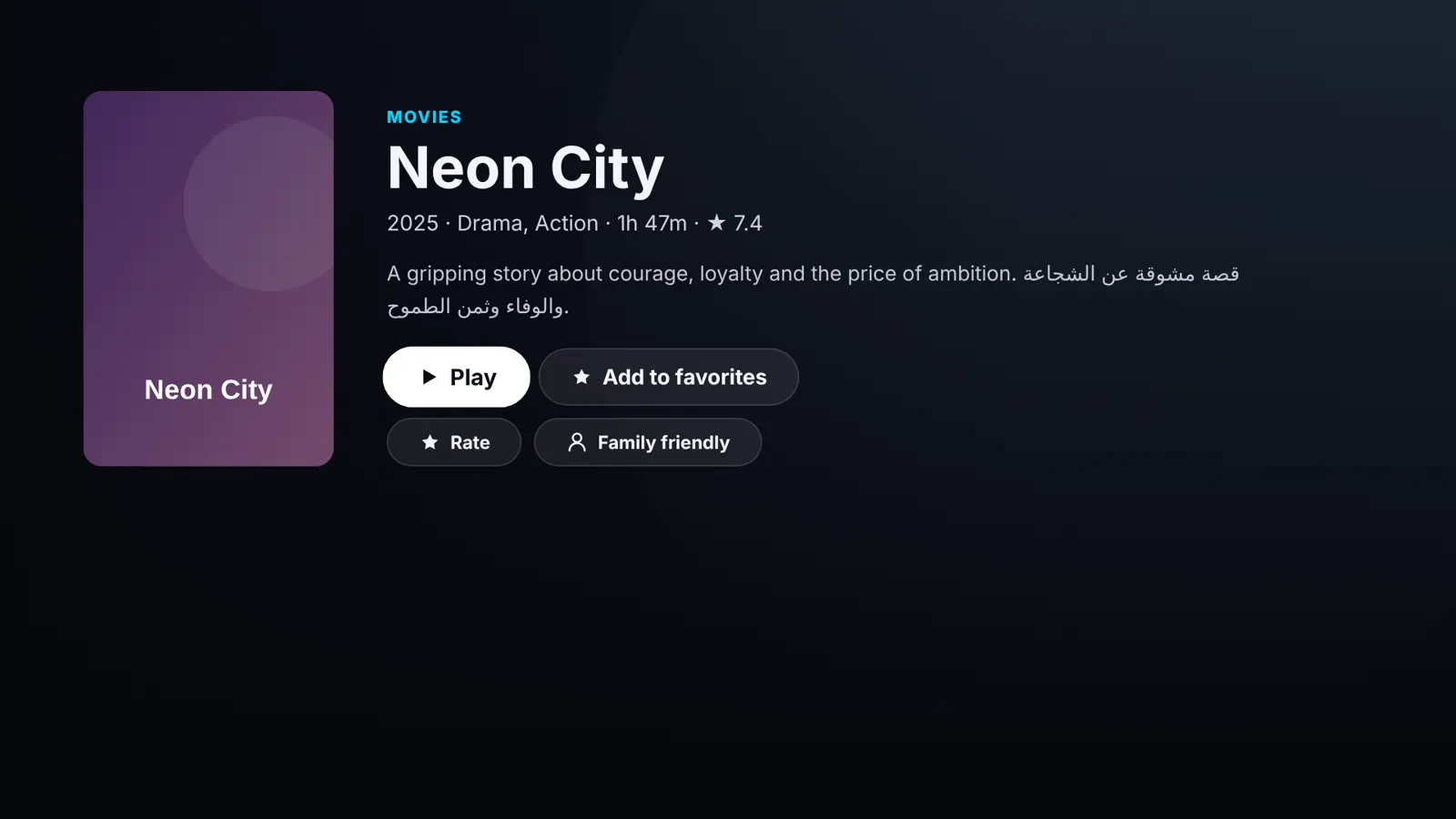
Live TV, movies & series
Works with Xtream Codes and M3U playlists. Categories, search, favorites and "continue watching" on every device.
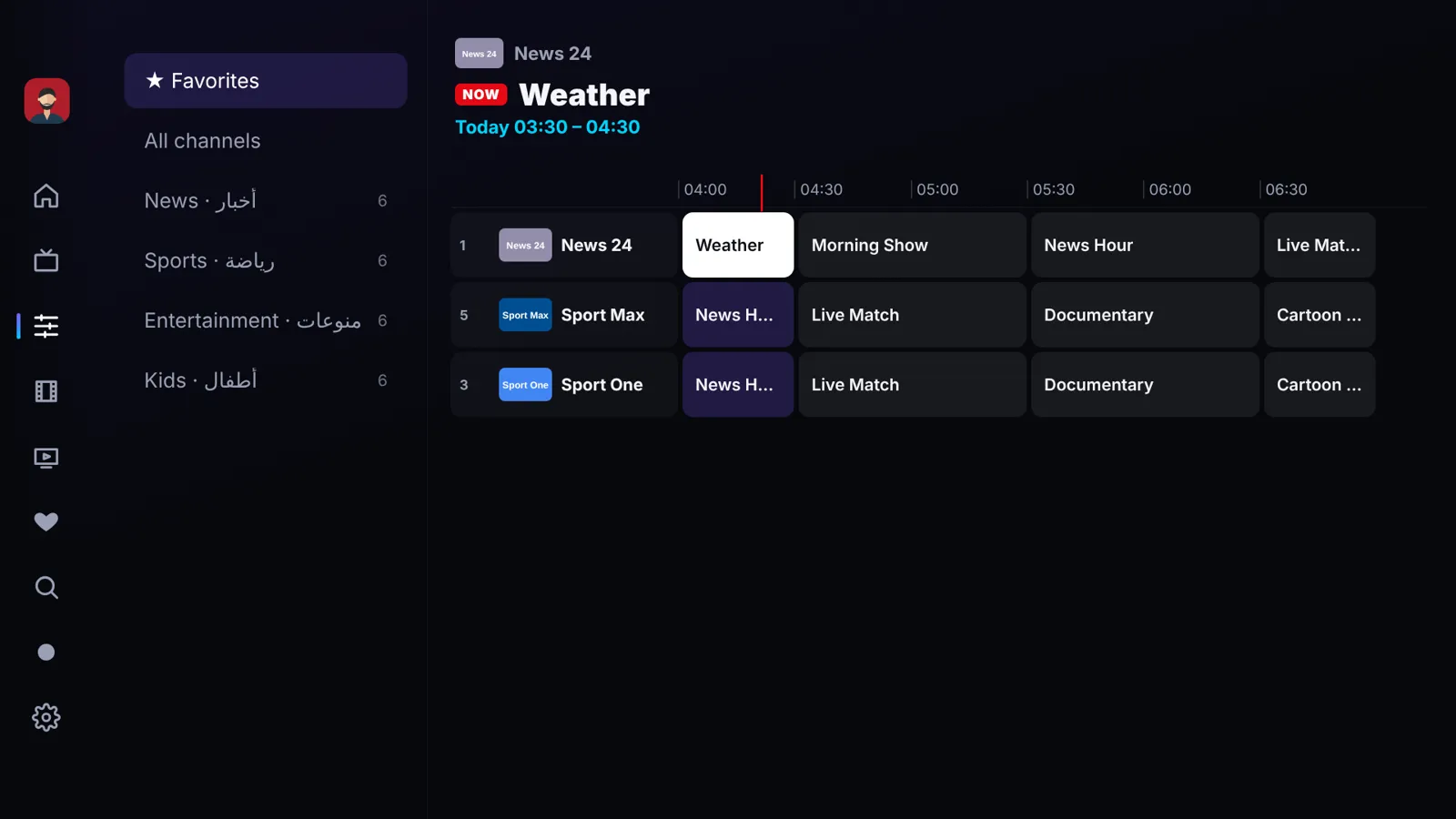
TV guide (EPG)
What's on now and next on every channel, plus a full 3-hour timeline you can browse and play from.
Top live events
Today's biggest matches with the channels that show them — one click and the right channel opens.
Multi-view
Watch up to 4 channels at once and pick which one you hear.
Recording
Schedule recordings from the guide or while you watch.
Synced everywhere
Profiles, favorites and where you stopped follow you from the TV to the phone and back.
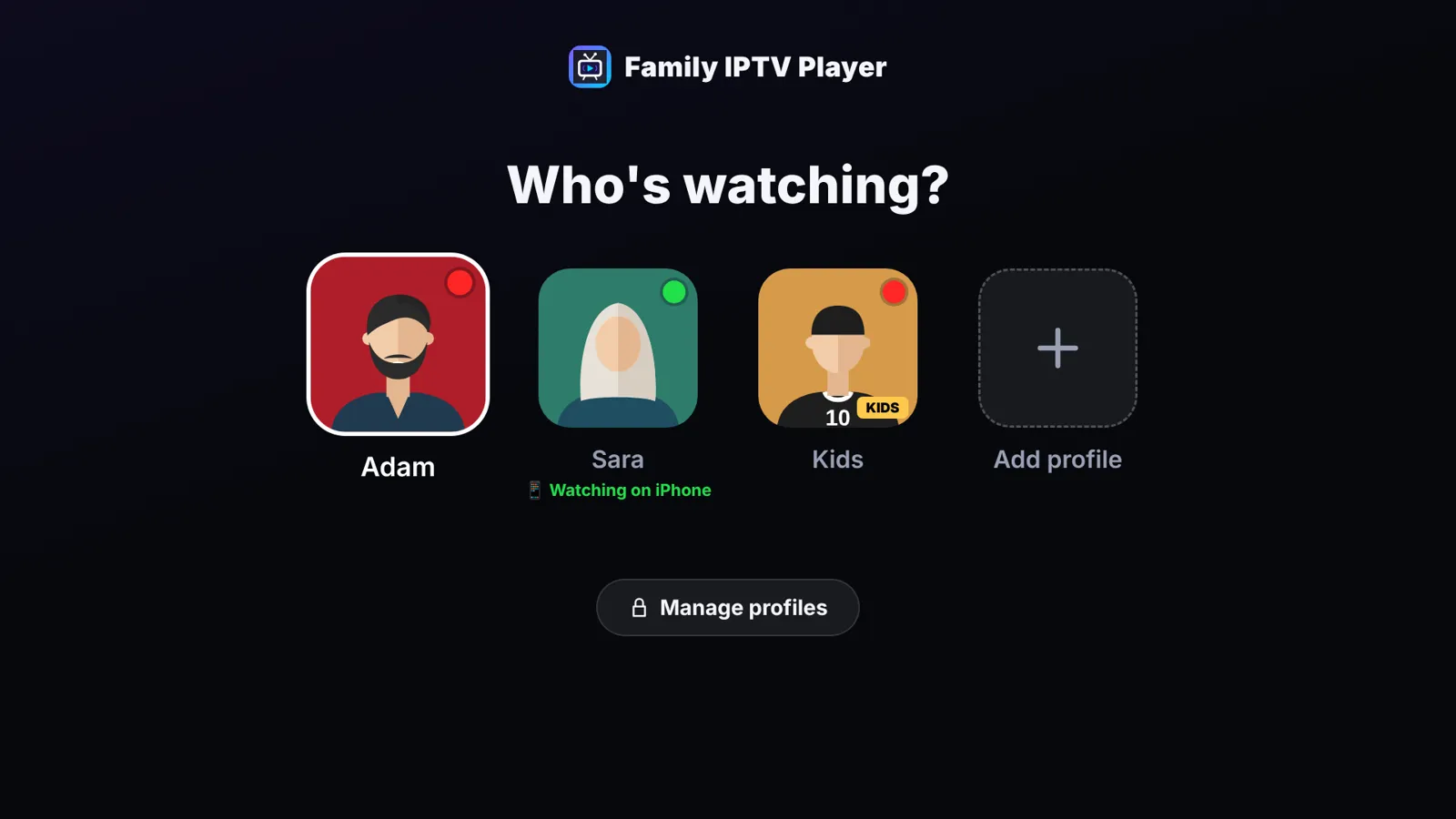
You decide what every profile sees
Every profile has its own settings — what you hide for the kids stays hidden only for them.
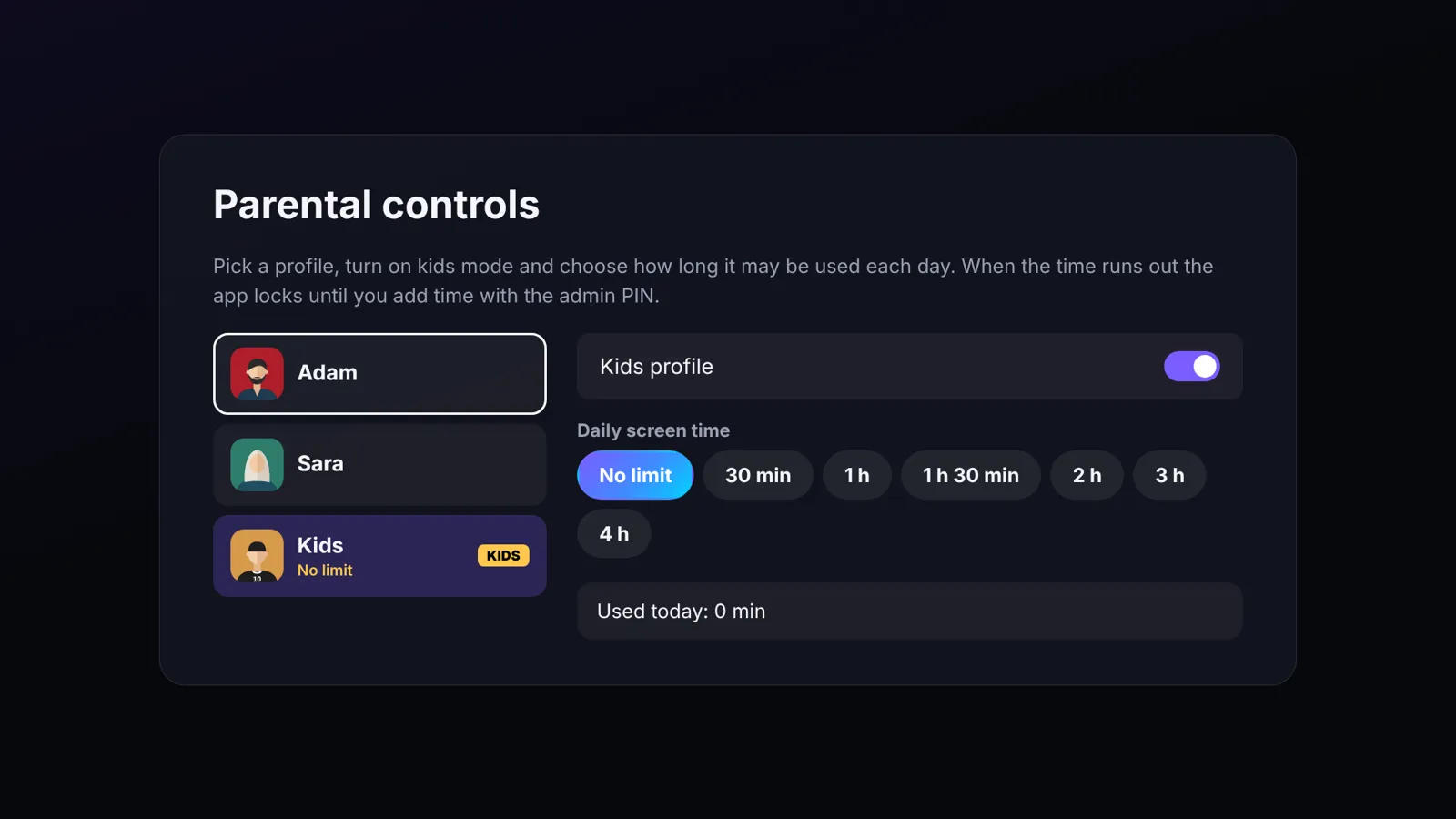
Daily screen time that really stops
Turn any profile into a kids profile and choose how long it may be used each day.
- A timer always on screen — even over a film or a live match
- When time is up the app locks until a parent adds time
- No live events or adult categories in kids profiles
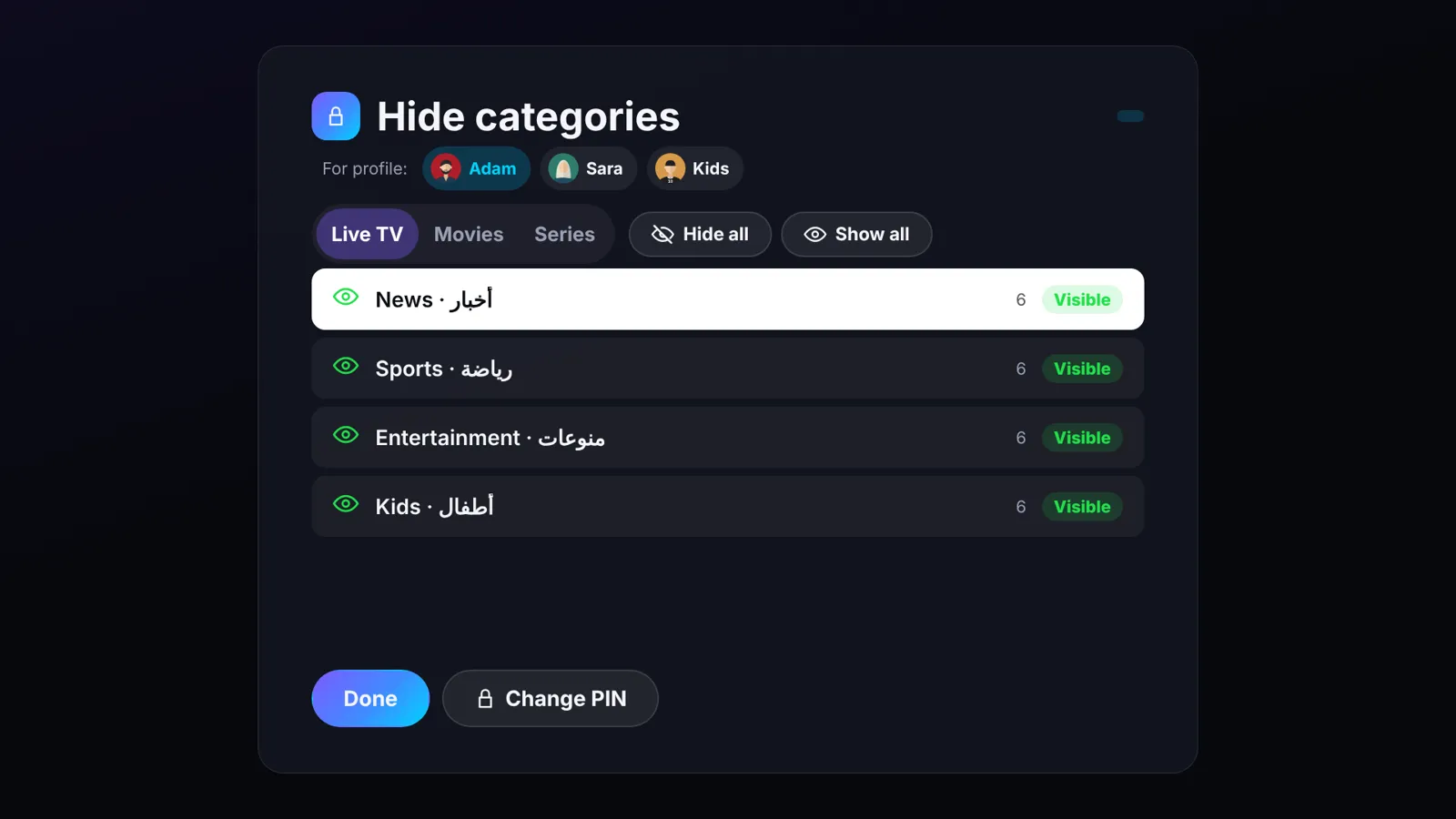
Hide whole categories, per profile
Hide any live, movie or series category — one by one or all at once — protected by an admin PIN.
- Different rules for each profile
- Admin PIN for every sensitive setting
- Optional PIN on each profile
Everyone gets their own space
Own favorites, own history, own language and own settings — and you can see who is watching on which device.
Simple on every screen
One account, all your devices
Pick yearly or pay once. Every plan has every feature — plans differ only in how many devices you can use.
Yearly
- 4 devices
- All features
- Swap a device every 45 days
Yearly Plus
- 8 devices
- All features
- Swap a device every 45 days
Lifetime
- 4 devices
- All features
- Swap a device every 45 days
Lifetime Plus
- 5 devices
- All features
- Swap a device every 45 days
Upgrade any time and pay only the difference. Plans can be bought in the app and on this website.
Get the app
Install it, create your account and your 7-day trial starts right away.
Android TV · Google TV · TV boxes
Install Downloader on your TV, then open this address:
familyiptvplayer.com/app.apk Download APKAndroid phones & tablets
The same app adapts to phones, tablets and foldables. Google Play release coming soon.
Download APKSamsung Smart TV
Coming to the Samsung TV app store. Want it early? Contact us and we will help you set it up.
Coming soonQuestions
Does the app include channels?
No. Family IPTV Player is a player only. You add your own playlist (Xtream Codes or M3U) from your provider. We do not sell, provide or recommend any channels or content.
What counts as a device?
Each TV, box, phone or tablet where you sign in is one device. Profiles on the same device do not count. You can remove a device and add another one once every 45 days.
What happens after the free trial?
The app locks until you choose a plan. Your profiles, favorites and settings are kept for 30 days, so when you subscribe everything is exactly as you left it.
Can I control what my kids watch?
Yes. Make a kids profile with a daily time limit, hide categories just for that profile and lock settings with an admin PIN.
Can I move to a bigger plan?
Yes, at any time — you only pay the difference.
How do I get help?
Email us at support@familyiptvplayer.com — we answer in Arabic and English.